Listing Amazon RDS event notification subscriptions
You can list your current Amazon RDS event notification subscriptions.
To list your current Amazon RDS event notification subscriptions
Sign in to the AWS Management Console and open the Amazon RDS console at https://eusc-de-east-1.console.amazonaws-eusc.eu/rds/
. -
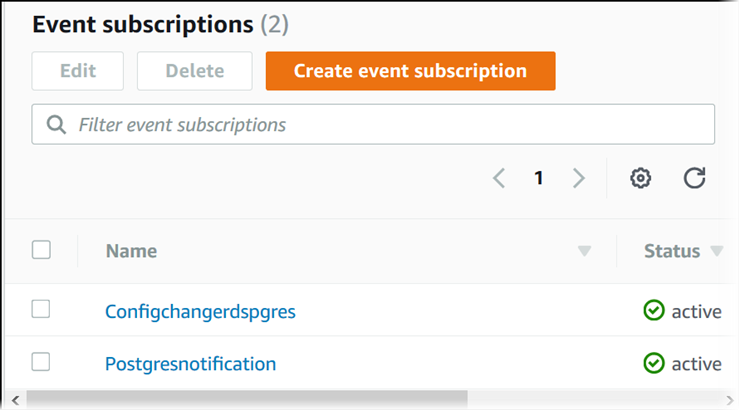
In the navigation pane, choose Event subscriptions. The Event subscriptions pane shows all your event notification subscriptions.
To list your current Amazon RDS event notification subscriptions, use the AWS CLI describe-event-subscriptions command.
Example
The following example describes all event subscriptions.
aws rds describe-event-subscriptions
The following example describes the myfirsteventsubscription.
aws rds describe-event-subscriptions --subscription-namemyfirsteventsubscription
To list your current Amazon RDS event notification subscriptions, call the Amazon RDS API DescribeEventSubscriptions action.