Watching a database log file
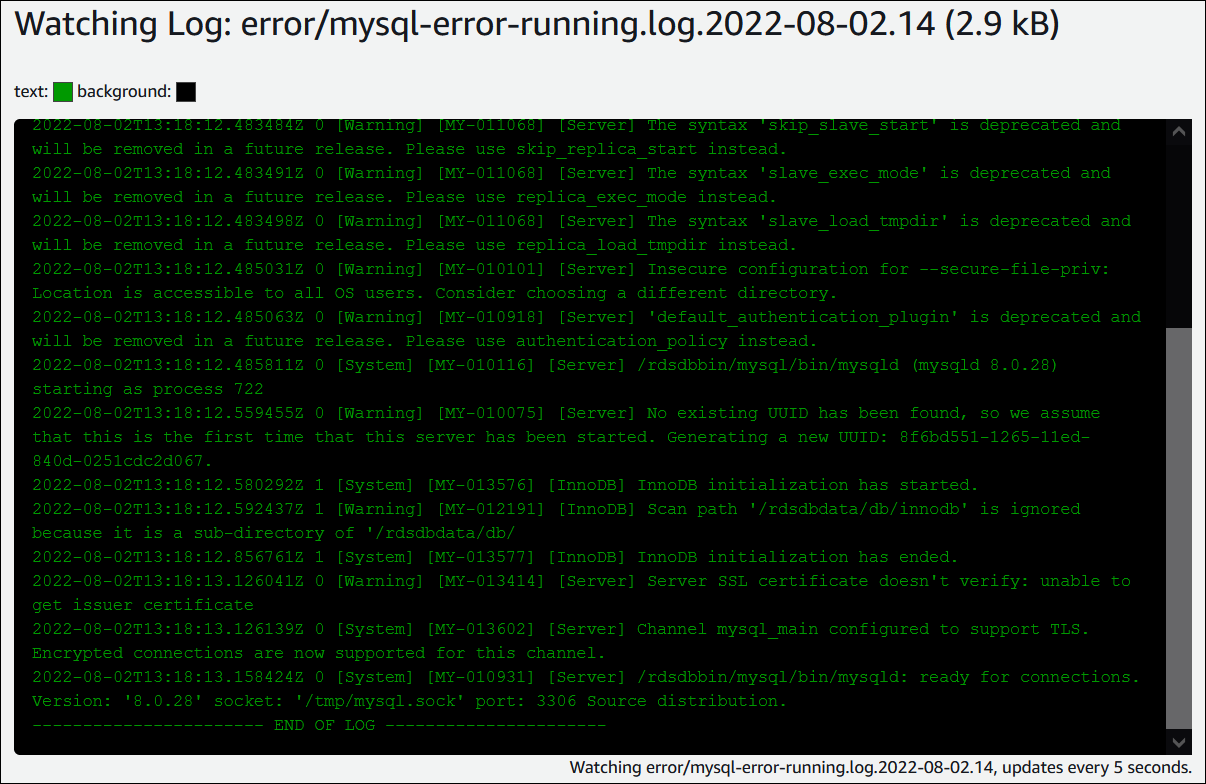
Watching a database log file is equivalent to tailing the file on a UNIX or Linux system. You can watch a log file by using the AWS Management Console. RDS refreshes the tail of the log every 5 seconds.
To watch a database log file
Open the Amazon RDS console at https://eusc-de-east-1.console.amazonaws-eusc.eu/rds/
. -
In the navigation pane, choose Databases.
-
Choose the name of the DB instance that has the log file that you want to view.
-
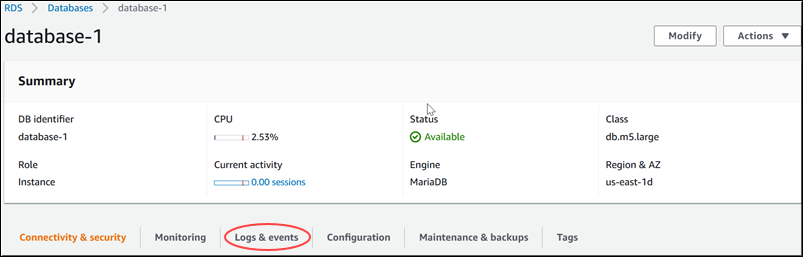
Choose the Logs & events tab.
-
In the Logs section, choose a log file, and then choose Watch.

RDS shows the tail of the log, as in the following MySQL example.