Enable CloudWatch query metrics in Athena
When you create a workgroup in the console, the setting for publishing query metrics to CloudWatch is selected by default.
To enable or disable query metrics in the Athena console for a workgroup
Open the Athena console at https://eusc-de-east-1.console.amazonaws-eusc.eu/athena/
. If the console navigation pane is not visible, choose the expansion menu on the left.
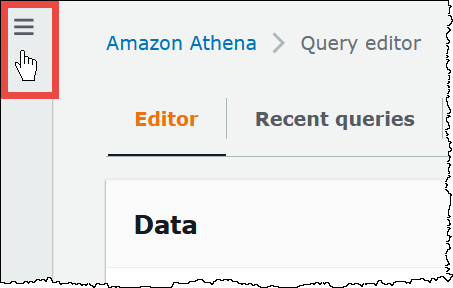
-
In the navigation pane, choose Workgroups.
-
Choose the link of the workgroup that you want to modify.
-
On the details page for the workgroup, choose Edit.
-
In the Settings section, select or clear Publish query metrics to AWS CloudWatch.
If you use API operations, the command line interface, or the client application with
the JDBC driver to create workgroups, to enable publishing of query metrics, set
PublishCloudWatchMetricsEnabled to true in WorkGroupConfiguration.
The following example shows only the metrics configuration and omits other
configuration:
"WorkGroupConfiguration": {
      "PublishCloudWatchMetricsEnabled": "true"
     ....
     }