Step 3: Query data
Now that you have the cloudfront_logs table created in Athena based on the
data in Amazon S3, you can run SQL queries on the table and see the results in Athena. For
more information about using SQL in Athena, see SQL reference for Athena.
To run a query
-
Choose the plus (+) sign to open a new query tab and enter the following SQL statement in the query pane.
SELECT os, COUNT(*) count FROM cloudfront_logs WHERE date BETWEEN date '2014-07-05' AND date '2014-08-05' GROUP BY os -
Choose Run.
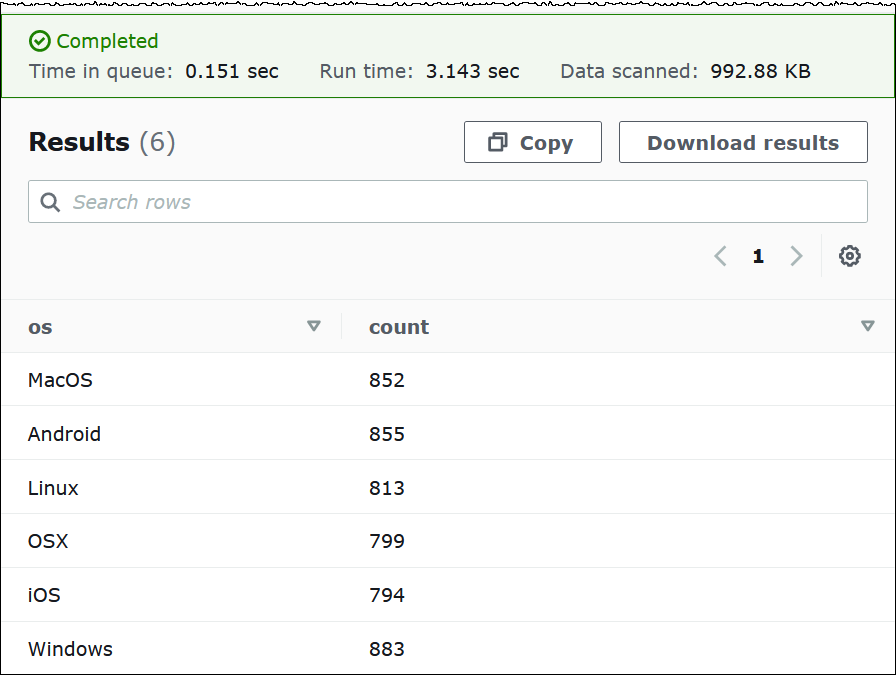
The results look like the following:
-
To save the results of the query to a
.csvfile, choose Download results.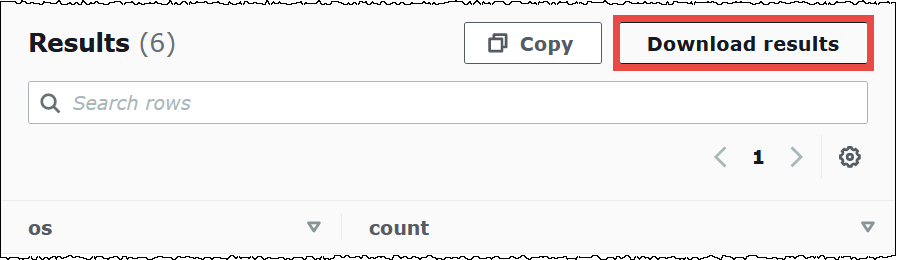
-
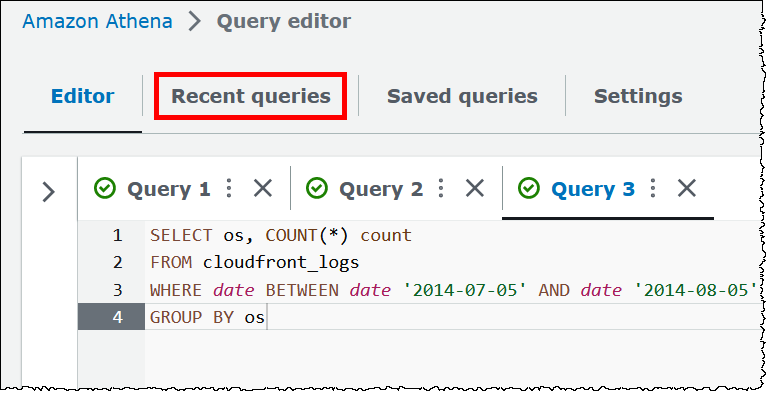
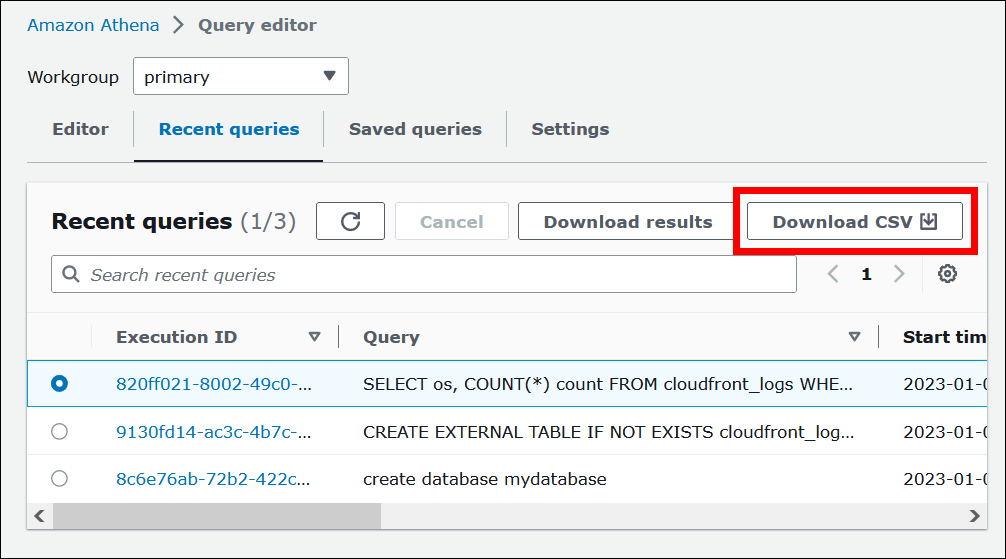
To view or run previous queries, choose the Recent queries tab.
-
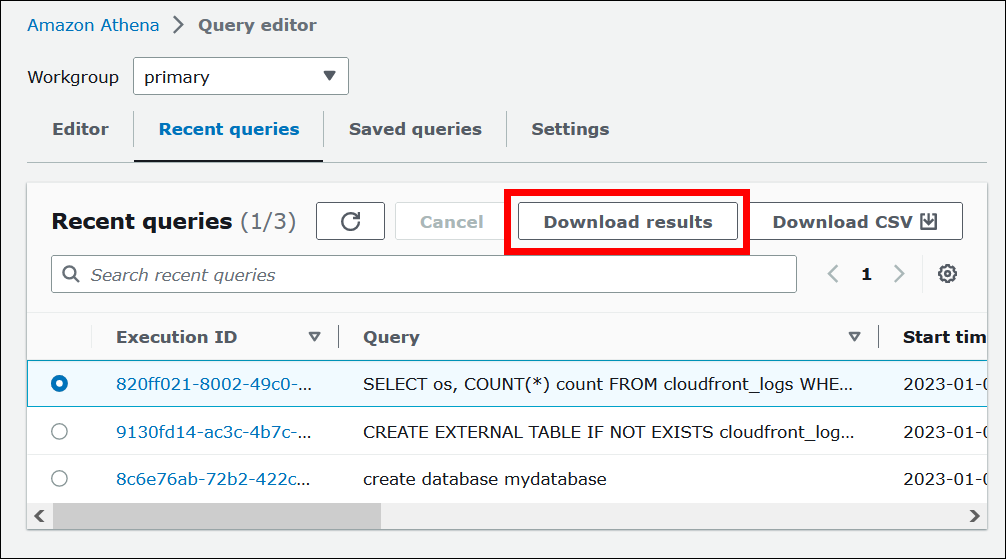
To download the results of a previous query from the Recent queries tab, select the query, and then choose Download results. Queries are retained for 45 days.
-
To download one or more recent SQL query strings to a CSV file, choose Download CSV.
For more information, see Work with query results and recent queries.