Tutorial: View CloudWatch Logs
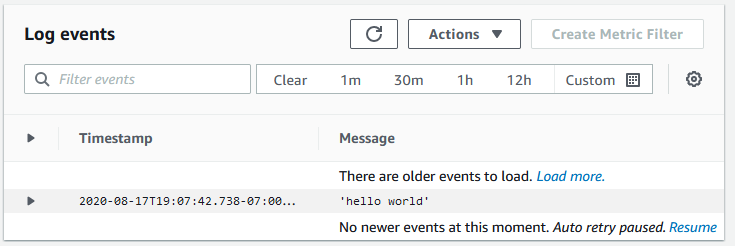
You can view and search CloudWatch Logs logs in the AWS Management Console.
Note
It might take a few minutes for data to display in CloudWatch Logs.
To view your CloudWatch Logs data
Open the CloudWatch console at https://eusc-de-east-1.console.amazonaws-eusc.eu/cloudwatch/
. -
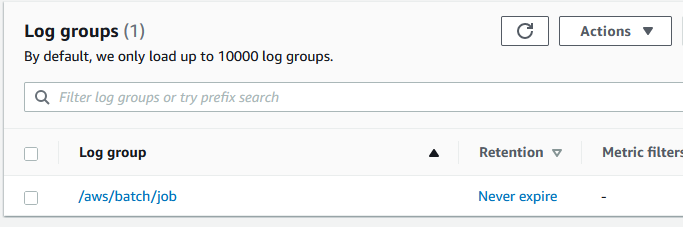
In the left navigation pane, choose Logs, then choose Log groups.
-
Choose a log group to view.

-
Choose a log stream to view. By default, the streams are identified by the first 200 characters of the job name and the Amazon ECS task ID.
Tip
To download log stream data, choose Actions.