Setting Up AWS Config with the Console
The AWS Management Console provides a quick and streamlined process for setting up AWS Config.
Setting up
To set up AWS Config with the console
Sign in to the AWS Management Console and open the AWS Config console at https://eusc-de-east-1.console.amazonaws-eusc.eu/config/home
. -
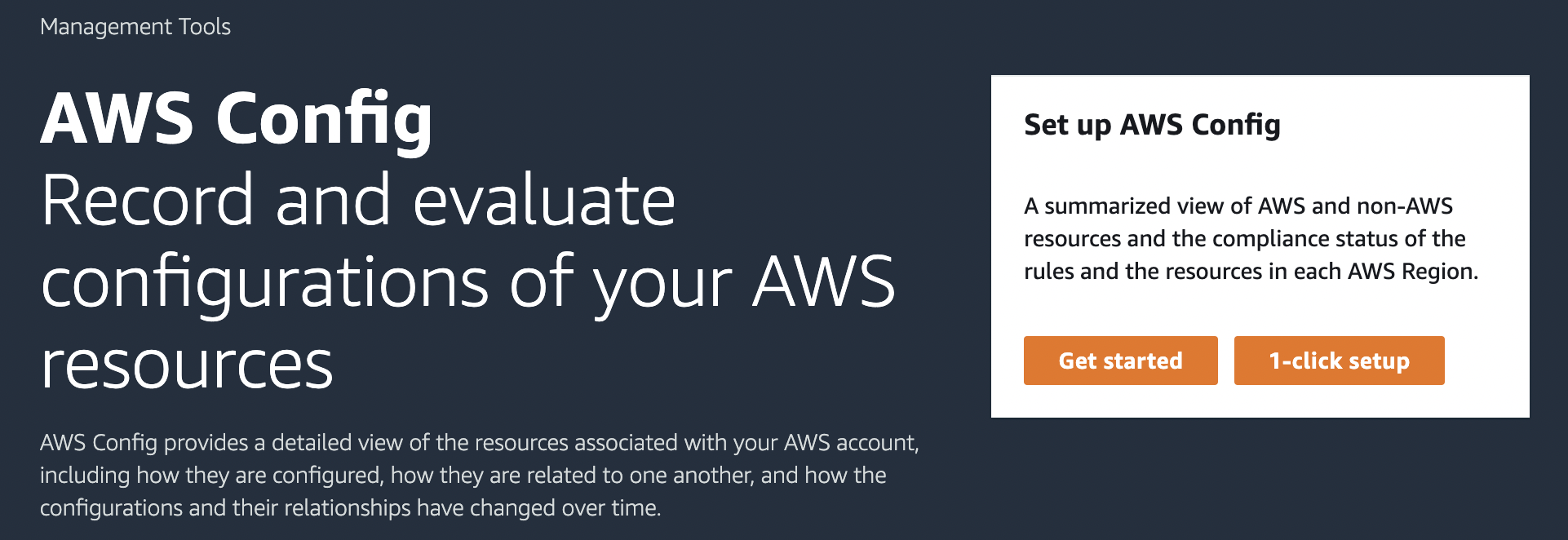
If this is the first time you are opening the AWS Config console or you are setting up AWS Config in a new region, the AWS Config console page looks like the following:
-
Choose 1-click setup to launch AWS Config based on AWS best practices. You can also choose Get started to go through a more detailed setup process.