View server details with AWS DRS
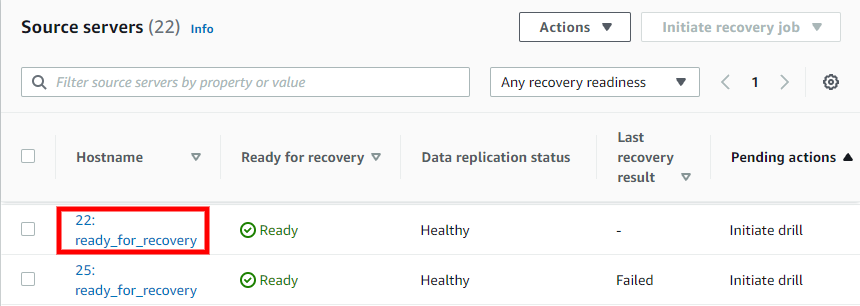
To access the server details view, click the Hostname of any server on the Source servers page.
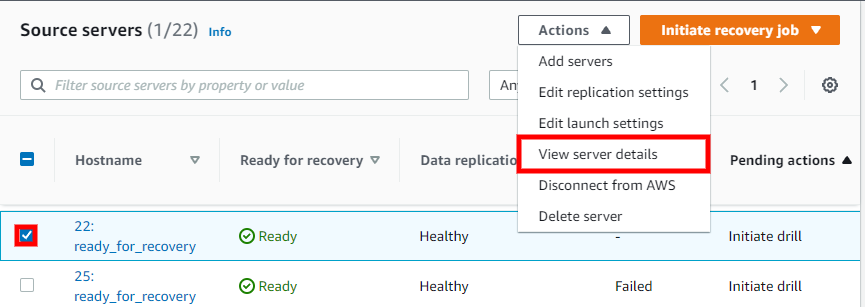
You can also access the server details view by checking the box to the left of any single source server on the Source servers page and choosing Actions > View server details.
The server details view shows information and options for an individual server. Here, you can fully control and monitor the individual server.
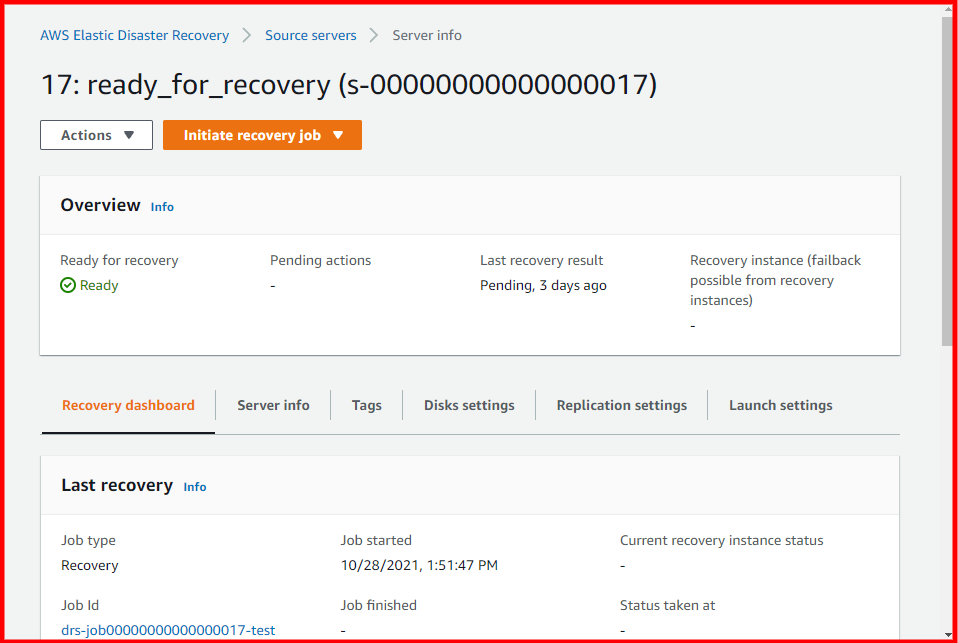
You can also perform a variety of actions, control replication, and launch Recovery instances for the individual server from the server details view.
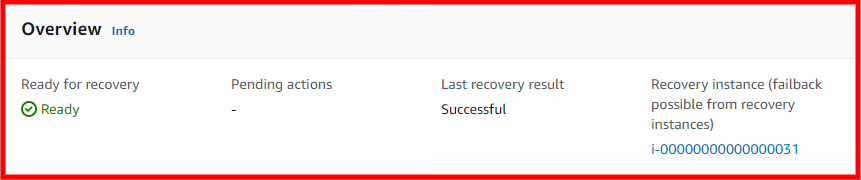
The Overview box provides a basic overview of the server's status, including whether the server is ready for recovery, any pending actions, the last recovery result (if any), and a link to the Recovery instance (if one was launched for the server).