Services or capabilities described in AWS documentation might vary by Region. To see the differences applicable to the AWS European Sovereign Cloud Region, see the AWS European Sovereign Cloud User Guide.Viewing column statistics task runs
After you run a column statistics task, you can explore the task run details for a table using AWS Glue console, AWS CLI or using
GetColumnStatisticsTaskRuns operation.
- Console
-
To view column statistics task run details
On AWS Glue console, choose Tables under Data Catalog.
Select a table with column statistics.
On the Table details page, choose Column statistics.
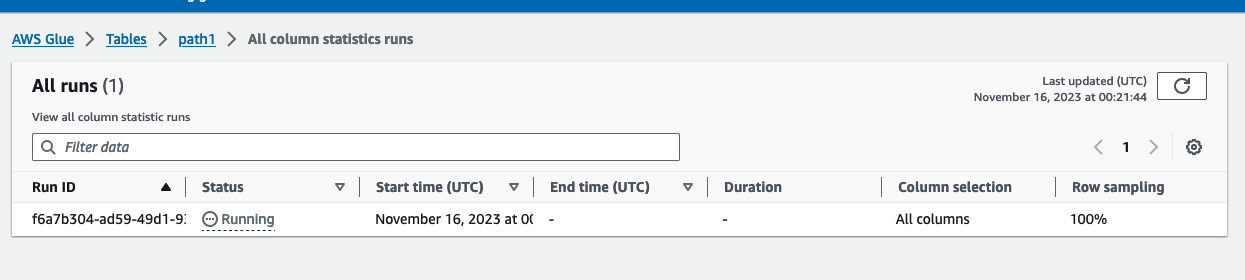
Choose View runs.
You can see information about all runs associated with the specified table.
- AWS CLI
-
In the following example, replace values for DatabaseName and TableName with the actual database and table name.
aws glue get-column-statistics-task-runs --input-cli-json file://input.json
{
    "DatabaseName": "database_name",
    "TableName": "table_name"
}