Deleting a federated catalog
You can delete the federated catalogs that you created in the AWS Glue Data Catalog using the glue:DeleteCatalog operation or the AWS Lake Formation console.
To delete a federated catalog (console)
Open the Lake Formation console at https://eusc-de-east-1.console.amazonaws-eusc.eu/lakeformation/
. In the navigation pane, choose Catalogs under Data Catalog.
-
Choose the catalog that you want to delete from the catalogs list.
Choose Delete from Actions.
-
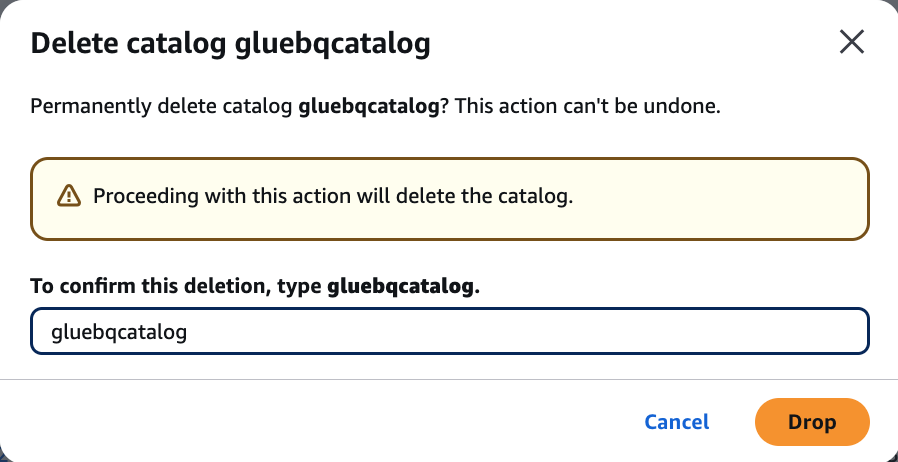
Choose Drop to confirm and the federated catalog will be deleted from the Data Catalog.
To delete a federated catalog (CLI)
-
aws glue delete-catalog --catalog-id123456789012:catalog name