Model and notebook sharing - Amazon SageMaker AI
Services or capabilities described in AWS documentation might vary by Region. To see the differences applicable to the AWS European Sovereign Cloud Region, see the AWS European Sovereign Cloud User Guide.

Model and notebook sharing

To share models and notebooks, navigate to the Shared models section in Amazon SageMaker Studio Classic, choose Shared by my organization, and then select the Add dropdown list. Choose to either add a model or add a notebook.
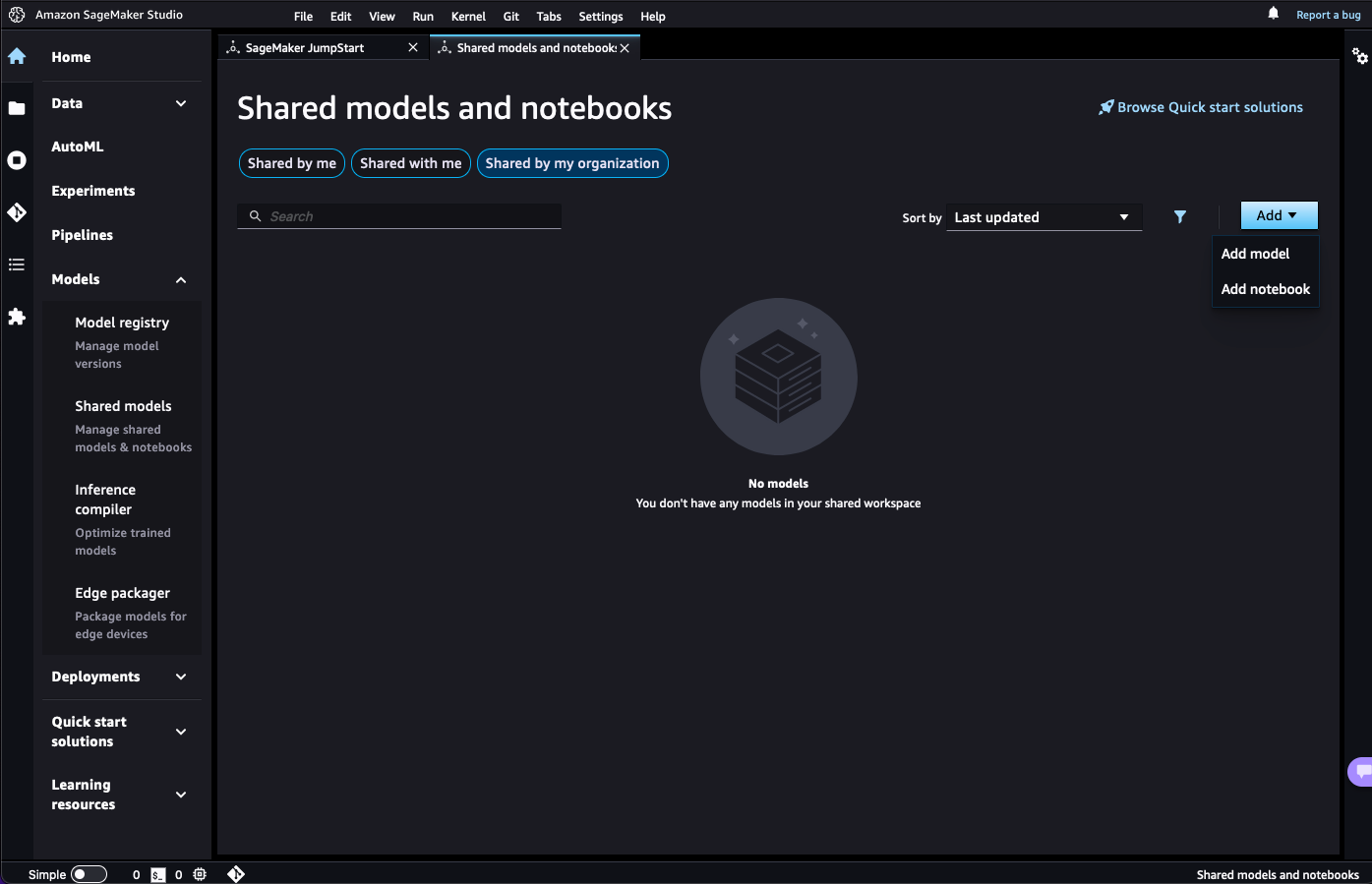
The menu to add shared models or notebooks to JumpStart.