Formatting a CloudFormation Template in Visual Studio - AWS Toolkit with Amazon Q
Services or capabilities described in AWS documentation might vary by Region. To see the differences applicable to the AWS European Sovereign Cloud Region, see the AWS European Sovereign Cloud User Guide.

Formatting a CloudFormation Template in Visual Studio

  • In Solution Explorer, open the context (right-click) menu for the template and choose Format Template.

    Alternatively, to format the template you're currently editing, from the Template menu, choose Format Template.
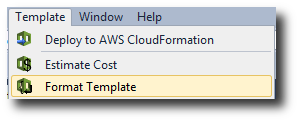
    Dropdown menu showing options to deploy to CloudFormation, estimate cost, and format template.

    Your JSON code will be formatted so that its structure is clearly presented.
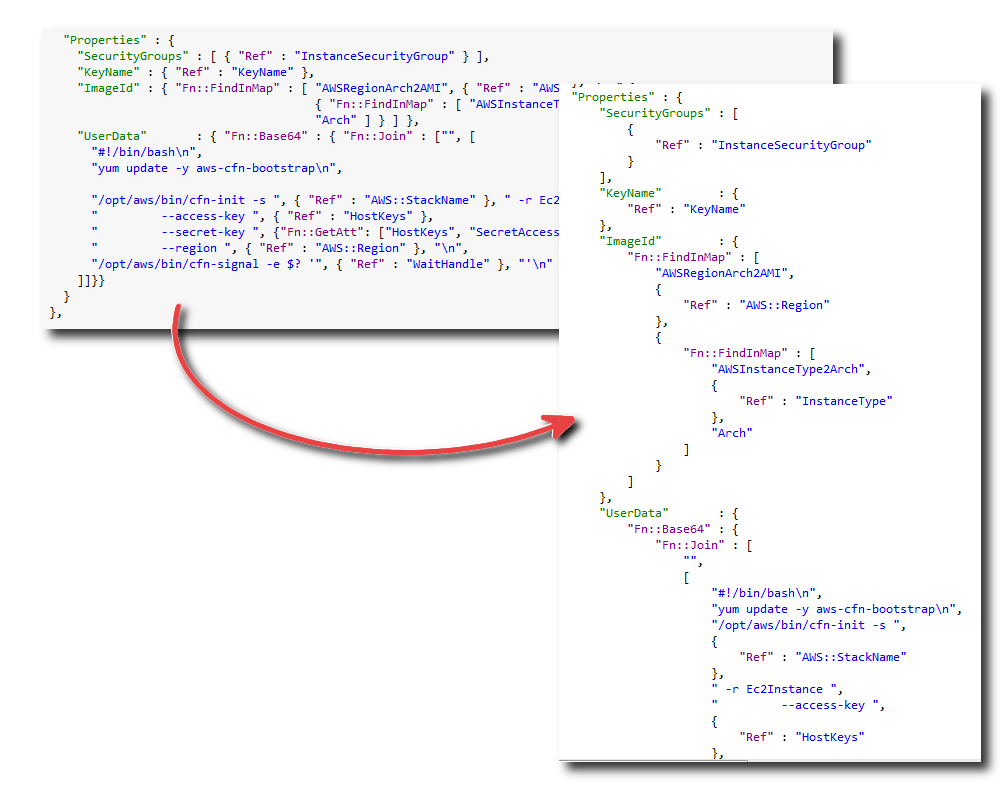
    JSON code structure for CloudFormation template with UserData and Properties sections.