Test an SFTP connector
After you create an SFTP connector, we recommend that you test it before you attempt to transfer any files using your new connector.
To test an SFTP connector
-
Open the AWS Transfer Family console at https://eusc-de-east-1.console.amazonaws-eusc.eu/transfer/
. -
In the left navigation pane, choose SFTP Connectors, and select a connector.
-
From the Actions menu, choose Test connection.
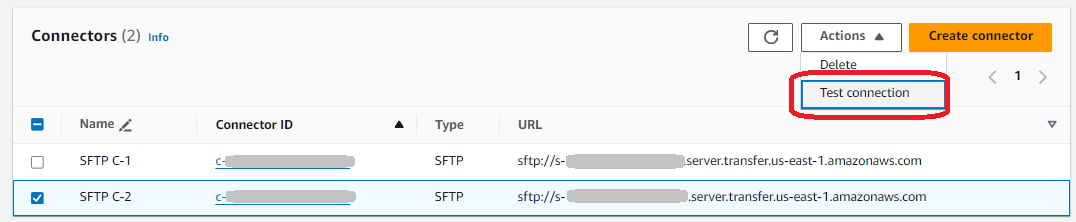
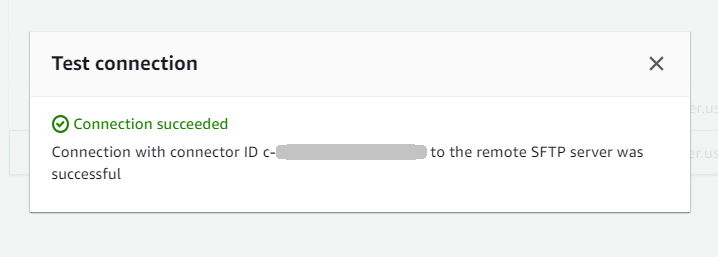
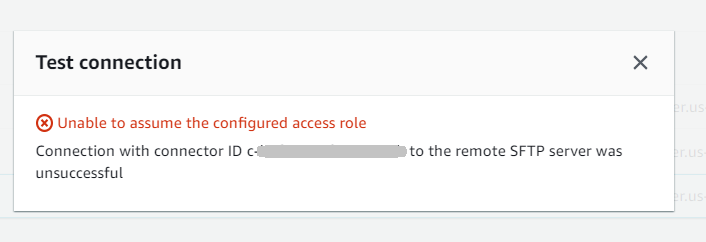
The system returns a message, indicating whether the test passes or fails. If the test fails, the system provides an error message based on the reason the test failed.
Note
To use the API to test your connector, see the TestConnection API documentation.